Cabinet
Your files, shared safely and edited online.
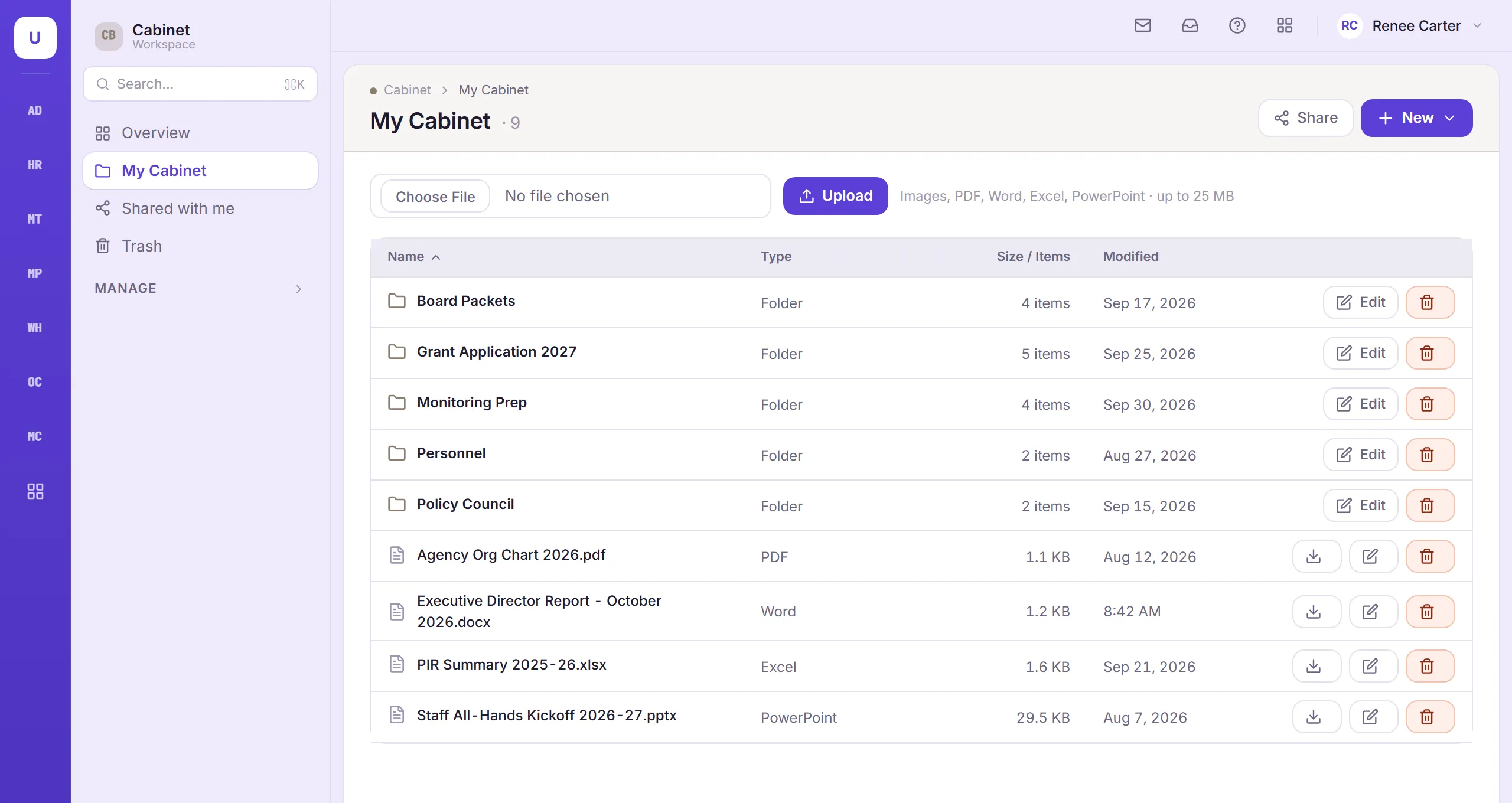
A secure place for staff to keep and share their work files, with every version saved and Word, Excel and PowerPoint editing right in the browser.
Who uses it: Any staff member given access to Cabinet.
What Cabinet does
Built around how your teams work
Organized folders
Keep files in folders, and get back anything deleted by mistake from the trash.
Share with the right people
Share files to view or to edit. Only the owner can share further, and people are notified when something is shared with them.
Every version saved
Each edit is saved as a new version, so you can always go back.
Edit Office files online
Open and edit Word, Excel and PowerPoint files without downloading them, or start a new one.
Room for everyone
Set how much storage each person can use.
Protected from risky files
Risky files are blocked at upload, even when they’re disguised as something else.
Also in Cabinet
- Files stored securely
- A record of who opened and shared what
Works with
Connected to the rest of TMS
How Cabinet shares records with other modules.