MyTrak
Keep every family, child and expectant mother in one place, from the first application to an enrolled seat. Always know who is waiting, which seats are open, and where each application stands.
Who uses it: Center and district staff, family case workers, teachers, administrators, and parents through the portal.
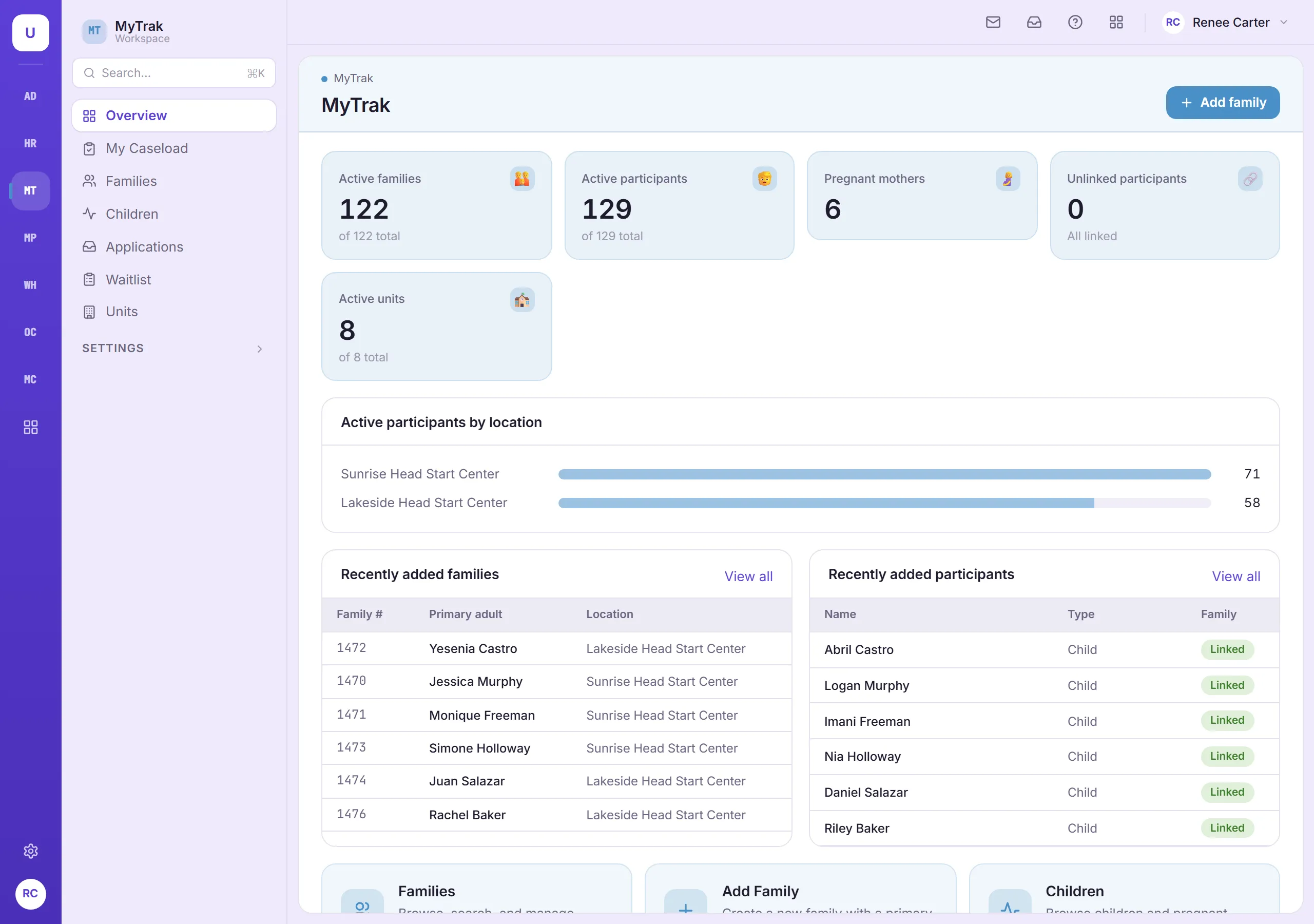
Built around how your teams work
ERSEA from start to finish
Applications move step by step from received to enrolled, with eligibility recorded along the way: income, public assistance, homelessness, foster care or over-income. Nothing skips a step.
Fair, consistent selection
Score applications against the selection criteria your agency sets, and keep a ranked waitlist for each center. When a seat opens, you know who is next.
A parent portal families can use
Parents apply online and check on their application in plain language, without calling the center. Your staff review it like any other application.
Know your seats at a glance
See filled and funded seats for every Head Start, Early Head Start and expectant-mother classroom, with a warning before a classroom goes over capacity.
Plan next year while running this one
Take applications for next year while the current year is still underway. Every child keeps a full history of enrollments, moves and exits.
Staff see their own centers
Center staff work with their own families, and family case workers get a page for their own caseload.
Also in MyTrak
- Household size and income recorded for every family
- One record per person, so an expectant mother who heads the household isn’t entered twice
- The option to limit family case workers to their own caseload
- Social Security numbers protected and always partly hidden
Designed around ERSEA (Eligibility, Recruitment, Selection, Enrollment and Attendance) in HSPPS 1302 Subpart A, sections 1302.12 through 1302.16.
Connected to the rest of TMS
How MyTrak shares records with other modules.