MyProgress
Give teachers a simple way to assess every enrolled child at each checkpoint, in English or Spanish. MyProgress scores the results, shows where each child stands, and keeps a record of every change for monitoring.
Who uses it: Administrators who set up assessments, teachers, examiners and education specialists.
Built around how your teams work
Your curriculum, your assessments
Set up assessments around your own curriculum and goals, organized by domain and by age.
Assessments that adapt to the child
Each assessment starts at the right level for the child and stops when it should, so teachers don’t spend time on questions that are far too easy or too hard.
See where each child stands
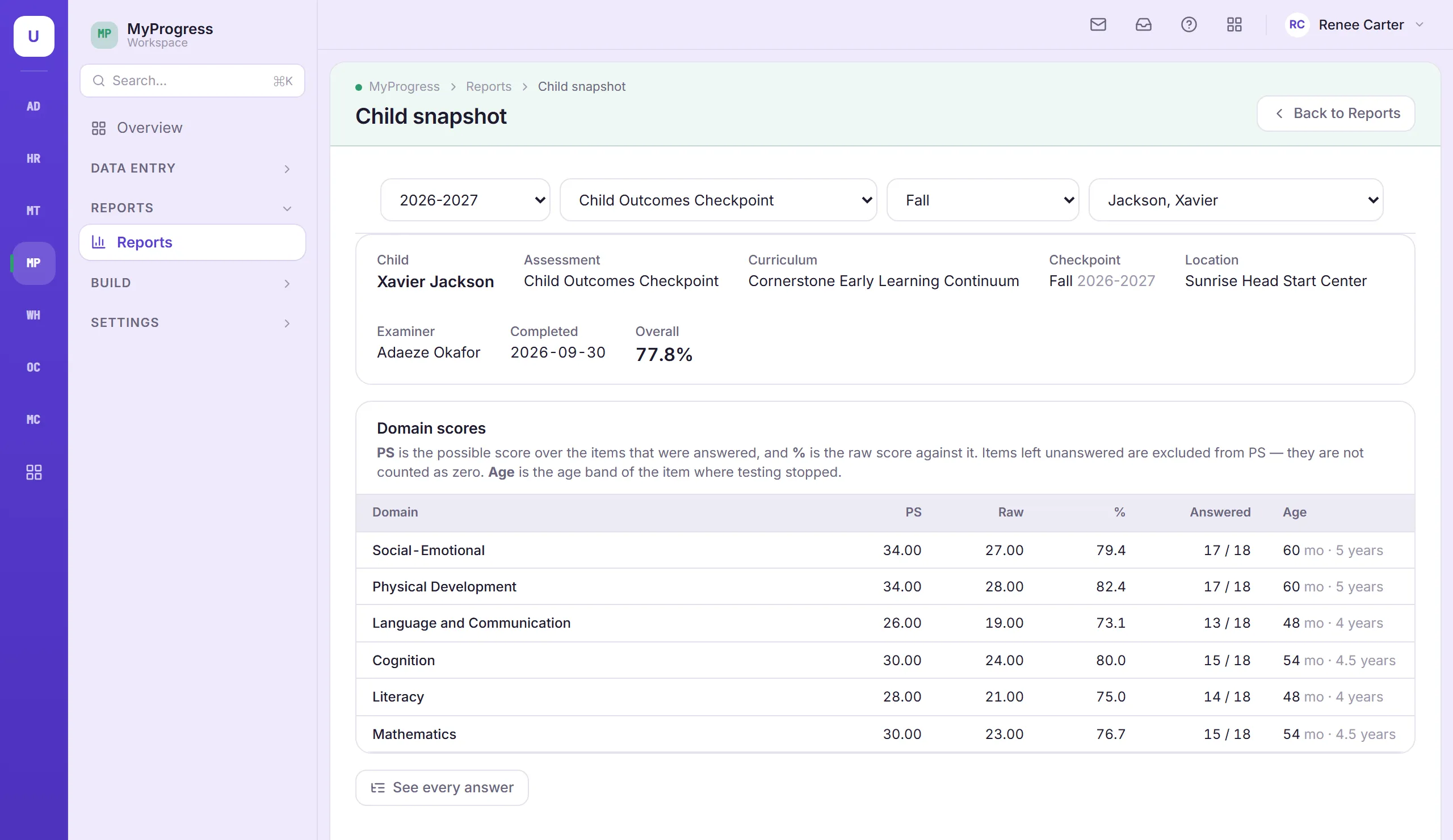
Results show each child’s developmental age in months, with a one-page snapshot and a detailed report.
Every classroom at a glance
See which children are not started, in progress or complete for each checkpoint. Retests are kept separate from the official result.
Ready for monitoring
Every change to a score is recorded, with who made it and when.
Honest records
Teachers can start from a child’s last checkpoint without back-dating anything, and administrators decide when assessment entry opens and closes.
Also in MyProgress
- English and Spanish throughout
- Built to keep up with your agency year after year
Supports HSPPS 1302.32 (curricula) and 1302.33 (child screenings and assessments).
Connected to the rest of TMS
How MyProgress shares records with other modules.